
Download
EasAlpha POS for your counter
The desktop app wraps the till and adds direct receipt printing and the print server that order-taker tablets print through. It keeps selling when the internet drops and syncs when it is back.
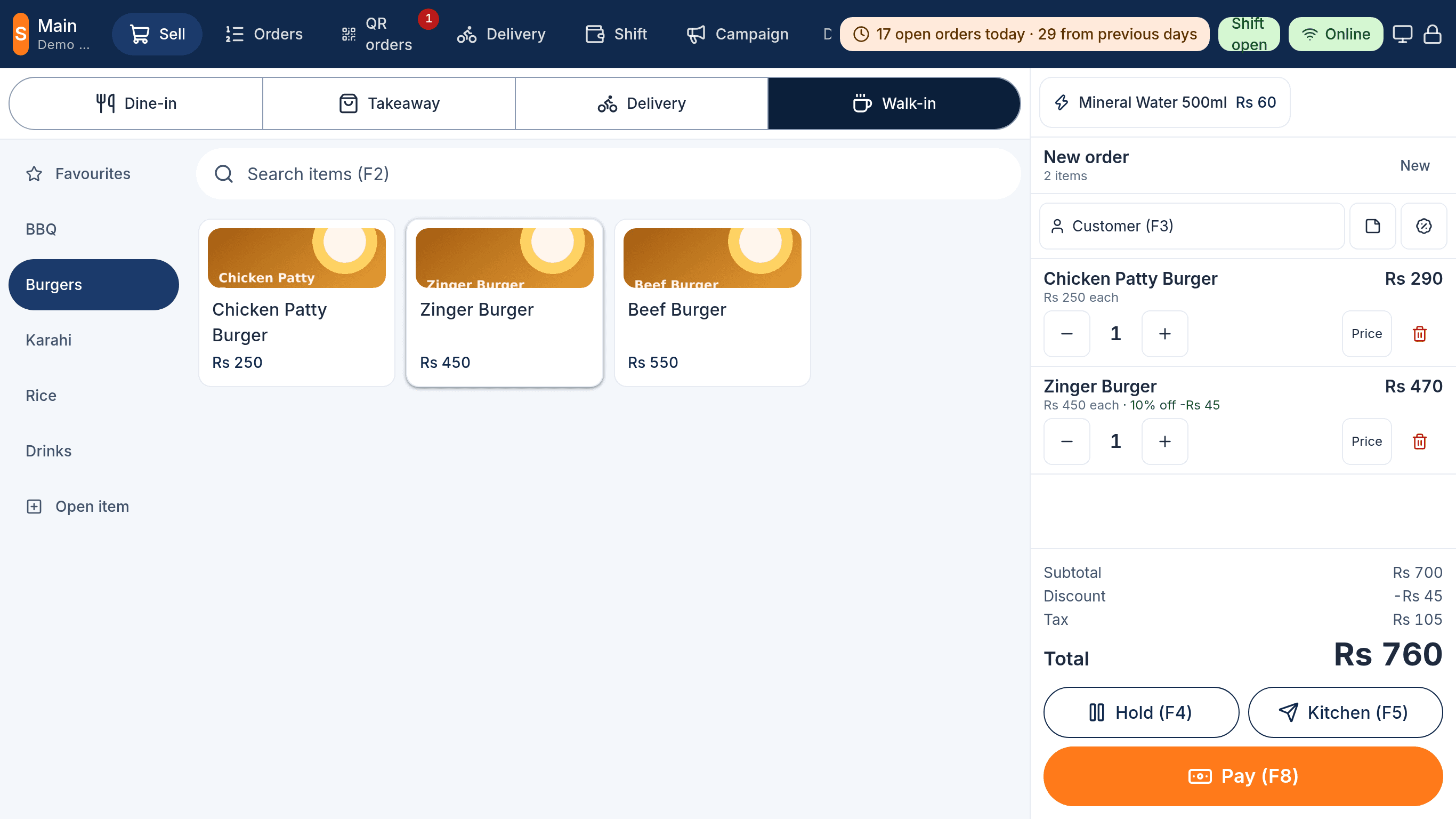
EasAlpha Till
Recommended for your computer
EasAlpha POS 0.3.0
We could not tell which computer this is. Pick your installer below.
All installers
Version 0.3.0, built 11 October 2026. Every build updates itself from the same place when a new version is released.
Linux (AppImage, any distribution)
Make it executable and run it. Updates itself.
EasAlpha POS-0.3.0.AppImageUbuntu and Debian (.deb)
Install with the software centre or sudo apt install ./file.deb.
easalpha-desktop_0.3.0_amd64.deb
After installing
- Open EasAlpha POS. It shows the setup screen; a manager signs in once and chooses what this machine is: till, kitchen display, token screen or queue screen.
- Printers: EasAlpha menu, Printers (Ctrl+Shift+P). Pick the receipt and kitchen printers and print a test page. The same window shows this computer's address for tablets.
- Running your own server? Set its address in the same Printers window; the app opens it on every start.